No manual math
Type a description, quantity, and rate; the amount is worked out for you. Line items built from time entries arrive with the hours already added up.

Invoice in minutes, not hours. Line items fill in from your tracked time, expenses, and milestones, so there’s no spreadsheet math and no copy-paste.
Start invoicing freePick the time entries and expenses you’re billing, and Happy Hours turns them into line items with the hours and rates filled in.
Bill hourly work from your timesheet and fixed-price work by milestone, from the same invoice editor.
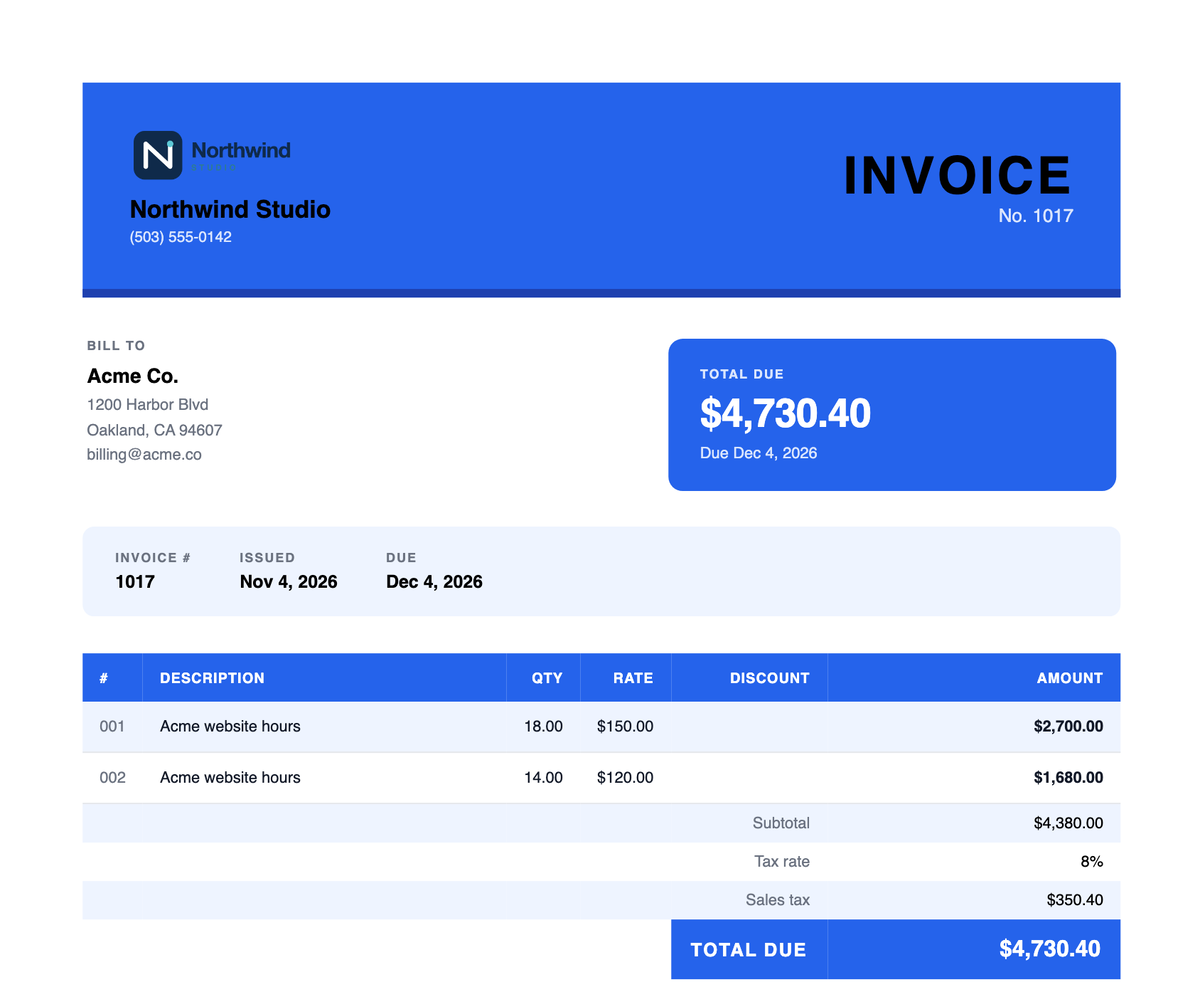
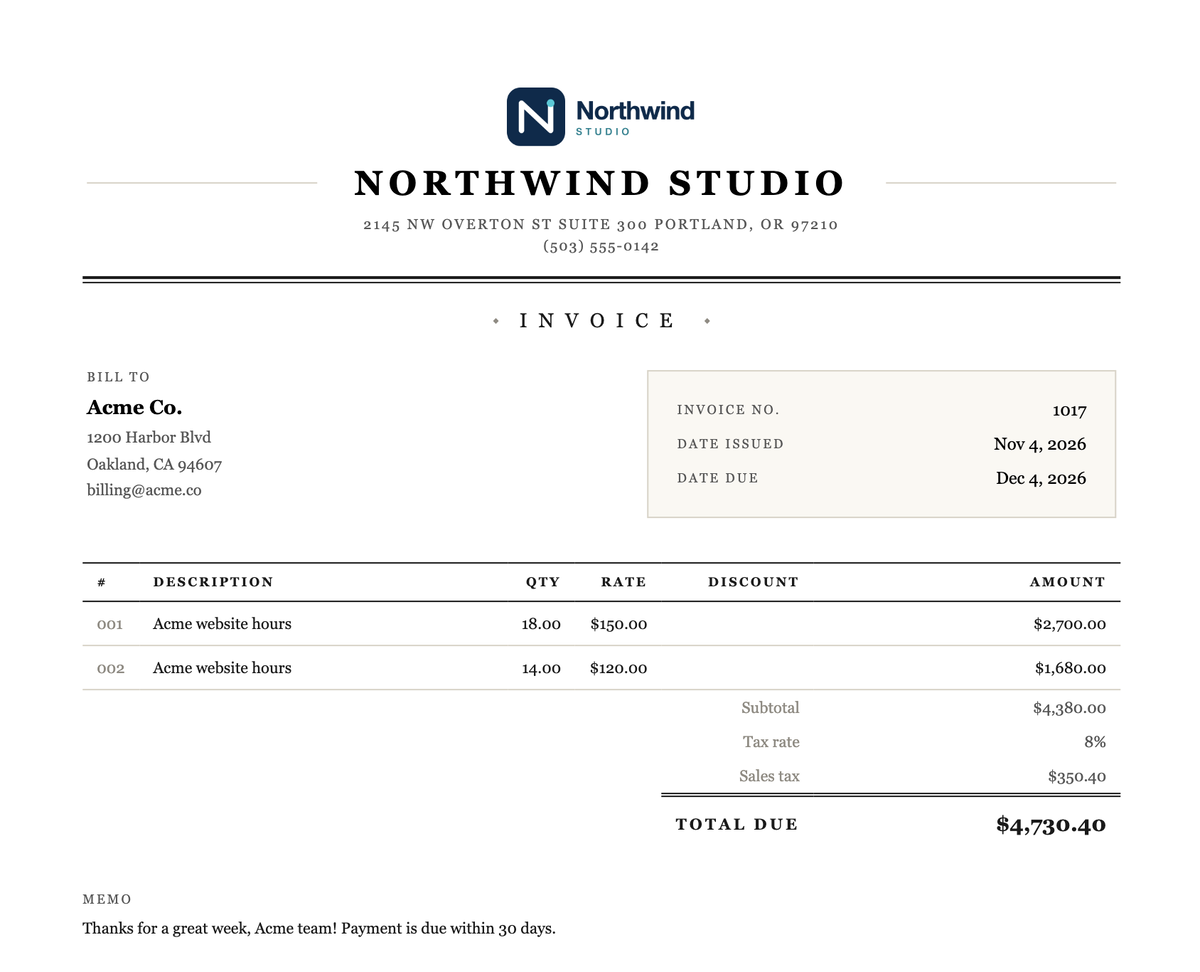
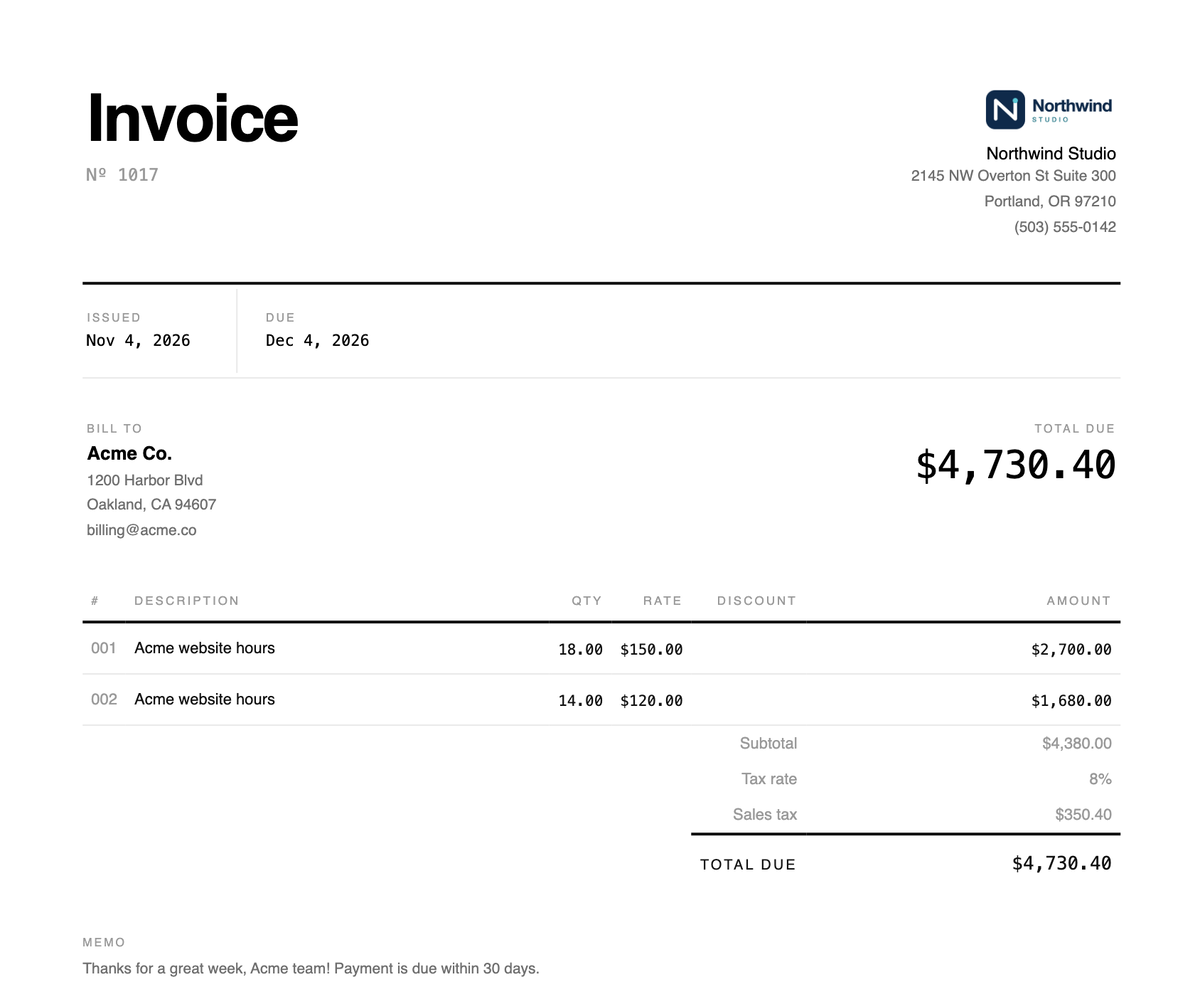
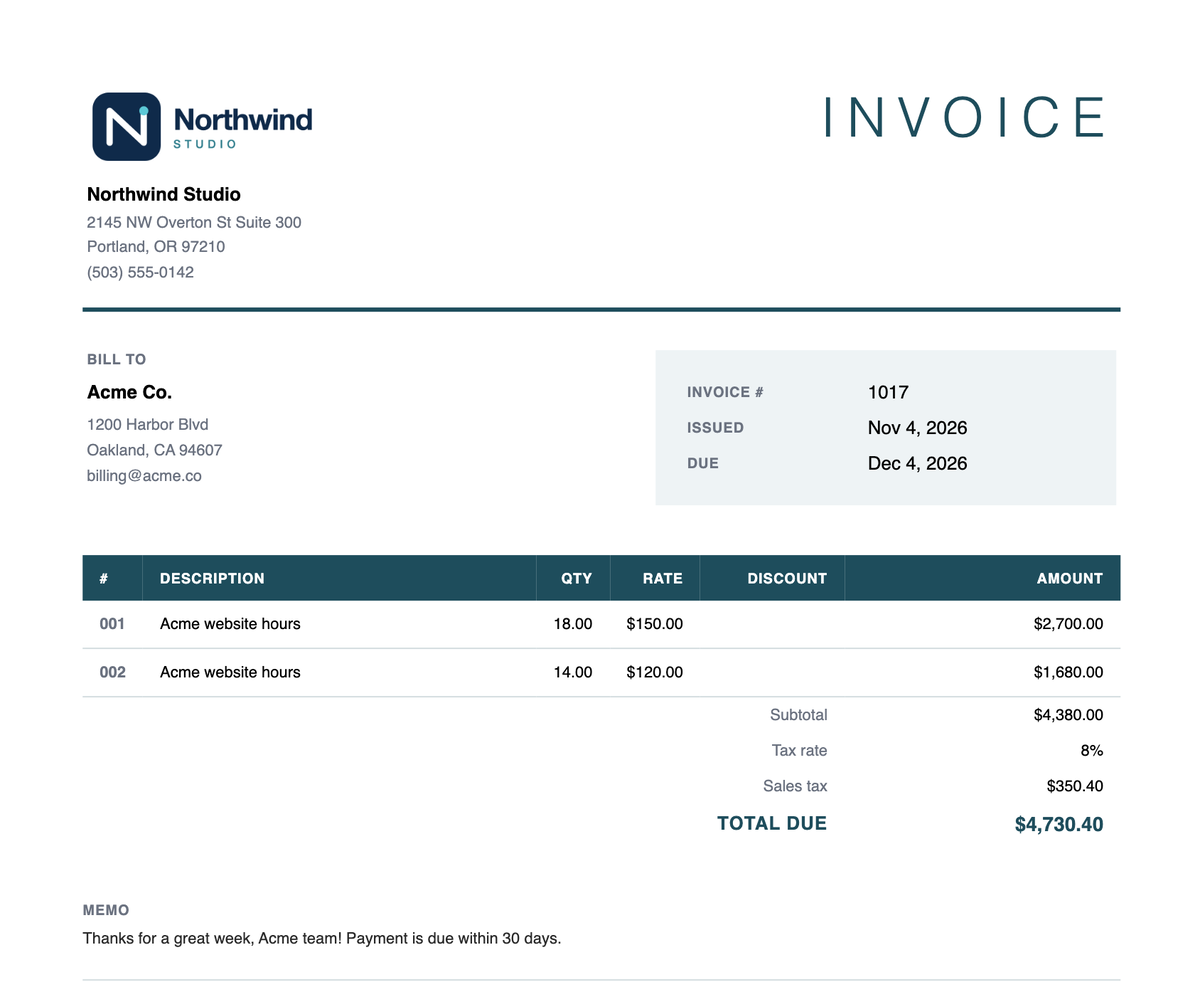
Modern, Swiss, Block, or Classic, with a live preview as you build and a default you set once.
Amounts, subtotal, tax, and total calculate themselves as you edit a line.
Each sent invoice shows whether your client has viewed the email and the payment page.
Late invoices turn red, you get an in-app alert, and one click sends the client a reminder.
Type a description, quantity, and rate; the amount is worked out for you. Line items built from time entries arrive with the hours already added up.
Modern, Swiss, Block, or Classic. Set your default in Settings, switch on any invoice, and watch the preview update as you go.
Invoice number, issue and due dates, and your client’s billing details sit at the top.
Add a percentage tax rate, or set a default once; subtotal, sales tax, and total due stay in sync.
Add your business name, logo, and contact details once in Settings, and every template picks them up.
Invoicing in Happy Hours starts from the work you’ve already recorded, not a blank form. Your hours, expenses, and project milestones are already in the app, so an invoice is mostly a matter of choosing what to bill and checking the result.
Creating one takes three steps, Details, Line items, and Finalize, with a live preview beside the form the whole time. Submitting creates a draft you can look over before it goes anywhere.
In Details, choose a project, or a customer to bill several of their projects at once. The due date and invoice number fill in for you. Your first invoice is #1010, so no client ever sees invoice #1.
In Line items, pick from the billable time entries that haven’t been invoiced yet. Happy Hours groups them into one line per project and rate, so Design hours at $120 and Development hours at $150 become two tidy lines, each with the total hours as the quantity. Expenses come in the same way, with your contract’s markup already applied, and you can add any other line by hand.
Billed entries drop out of the list, so nothing gets invoiced twice, and the un-invoiced filter in time tracking and expense tracking shows what’s still waiting to be billed.
For fixed-price contracts, bill by milestone instead of by the hour. And if you won the work with an estimate, the approved estimate becomes a draft invoice in one click, line items, tax, and template included.
In Finalize, add a tax rate and a memo, then choose whether the client can pay by card, bank transfer, or both. The processing fee for that invoice is shown under each option before you send. Online payments covers fees and payouts in detail.
When it’s ready, publish it. Your client gets an email with the PDF attached, a View & Pay Invoice button, and an optional message from you, and you can send yourself a preview first. Or skip the email and send the PDF yourself.
The button opens a payment page with no account or password, where your client can pay, download the PDF, and see every invoice you’ve sent them. On your side, you can see whether they’ve opened the email and the payment page, so a quiet client is easy to tell apart from one who hasn’t looked yet.
Once an invoice is paid, its PDF gets a Paid stamp and the date. If a client pays by check instead, mark the invoice paid yourself.
Once an invoice passes its due date, it’s flagged Overdue in red and you get an in-app notification. Your dashboard splits unpaid invoices into what’s overdue and what’s not due yet.
Following up takes one click: Send reminder emails your client the invoice again, with “Reminder:” in the subject and an optional note from you. Reminders go out only when you choose, so a client you’re already talking to never gets a nagging email.
For the bigger picture, financial insights groups unpaid invoices by how overdue they are and shows how long each client typically takes to pay, so you know who your late payers are.
Happy Hours is for independents and small service businesses that bill clients for their time: designers, developers, consultants, and the agencies they grow into. It’s one plan at $10 a month with unlimited invoices, customers, and projects, and a 14-day free trial with no card needed. Invoicing runs in the web app, in any browser on your computer or phone.
If you just need a one-off invoice PDF, the free invoice generator makes one with no account. When you’re sending invoices regularly, start with estimates to win the work, and invoice it from the same project once it’s done.
Yes. When you build an invoice, Happy Hours lists the billable time entries that haven’t been invoiced yet. Select the ones you want and they become line items, grouped by project and rate, with the total hours as the quantity and each time type’s rate filled in. Expenses work the same way, and fixed-price work can be billed by milestone.
You can choose between four professionally designed templates (Modern, Swiss, Block, and Classic), set one as your default, and switch per invoice with a live preview. Every template shows your logo and contact details from your profile. Layouts, colors, and fonts are presets, not a custom design editor.
Yes, when you choose to. Once an invoice has been emailed, Send reminder sends your client the invoice again with “Reminder:” in the subject and an optional note. Reminders aren’t sent automatically. Happy Hours does flag overdue invoices for you, with a red badge and an in-app notification.
Yes. Add a percentage tax rate when you finalize an invoice, or set a default tax rate once in Settings. Happy Hours calculates the sales tax and shows the subtotal, tax rate, sales tax, and total due on the invoice, so there is no manual math involved. Each invoice uses one tax rate, added on top of the subtotal.
No. The invoice email links straight to a client payment portal, with no signup or password. Clients can pay by card or bank transfer through Stripe, download the PDF, and see all the invoices you’ve sent them. If they pay another way, mark the invoice paid yourself. See online payments for fees and payout times.
Not yet. Happy Hours currently serves businesses in the United States and invoices in US dollars. If you work internationally and want to help test our planned expansion, get in touch and we’ll give you extended free access during the beta.
No. For a one-off invoice PDF, use the free invoice builder; there’s no signup or marketing email. A Happy Hours subscription is $10 a month for unlimited invoices plus time tracking, expenses, budgets, and reports, with a 14-day free trial.